OpenAPI Tool
In AI/Run CodeMie, admins have extended functionality to send requests by OpenAPI.
1. Create OpenAPI Integration
1.1. Click on Integrations and select the project name.
1.2. Fill in the integration details:
- Credential type: Choose OpenAPI from the drop-down list.
- Alias: Enter the name of the integration.
- OpenAPI Spec: (optional)
- Radio button: If a username and password are required, you can provide them here.
- API Key: Select this option if authorization via API key is needed.

2. Enable OpenAPI Tool in Assistant
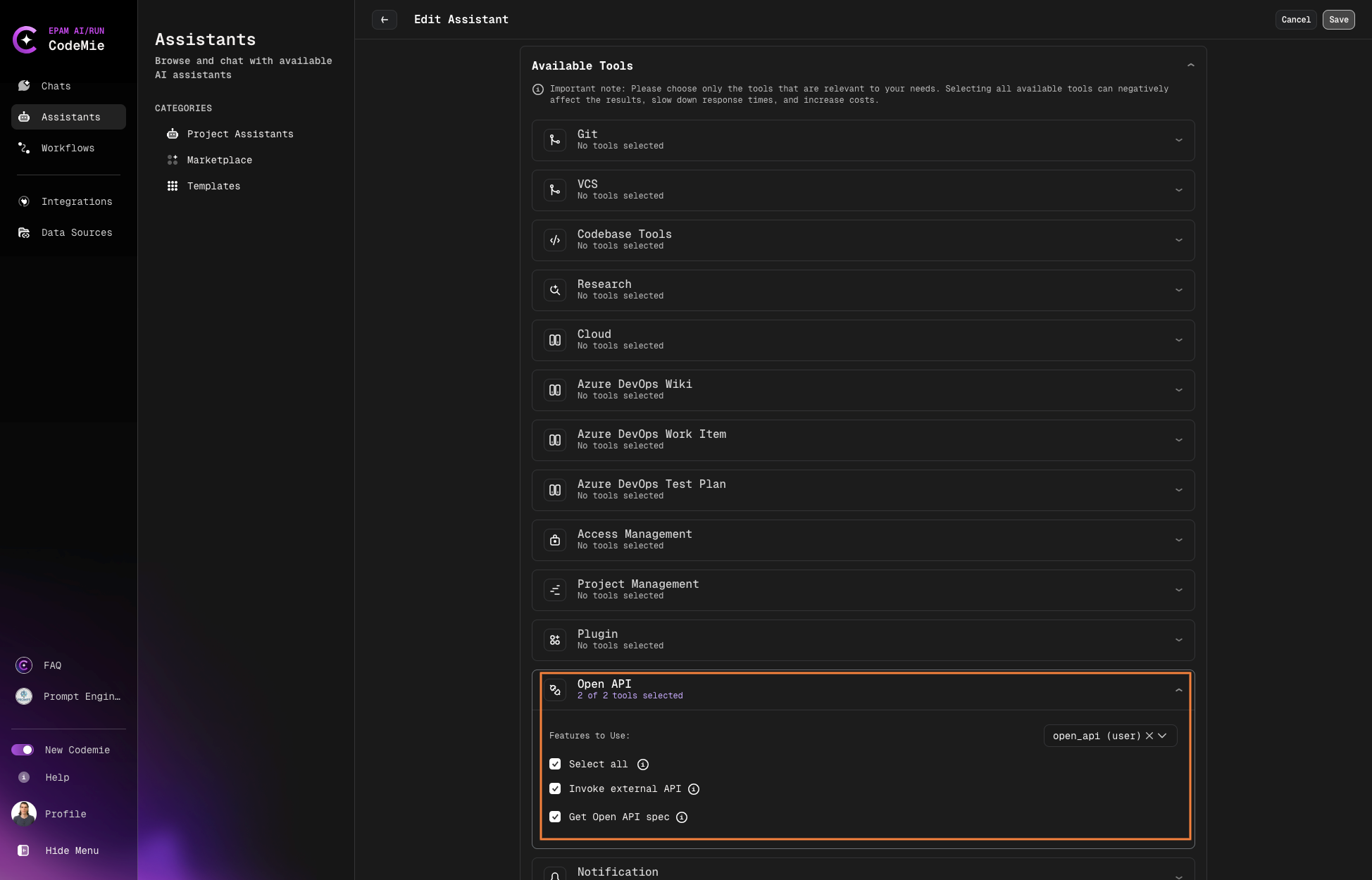
2.1. Open assistant or create a new one and choice in tool Open API → Invoke external API, Get Open API spec
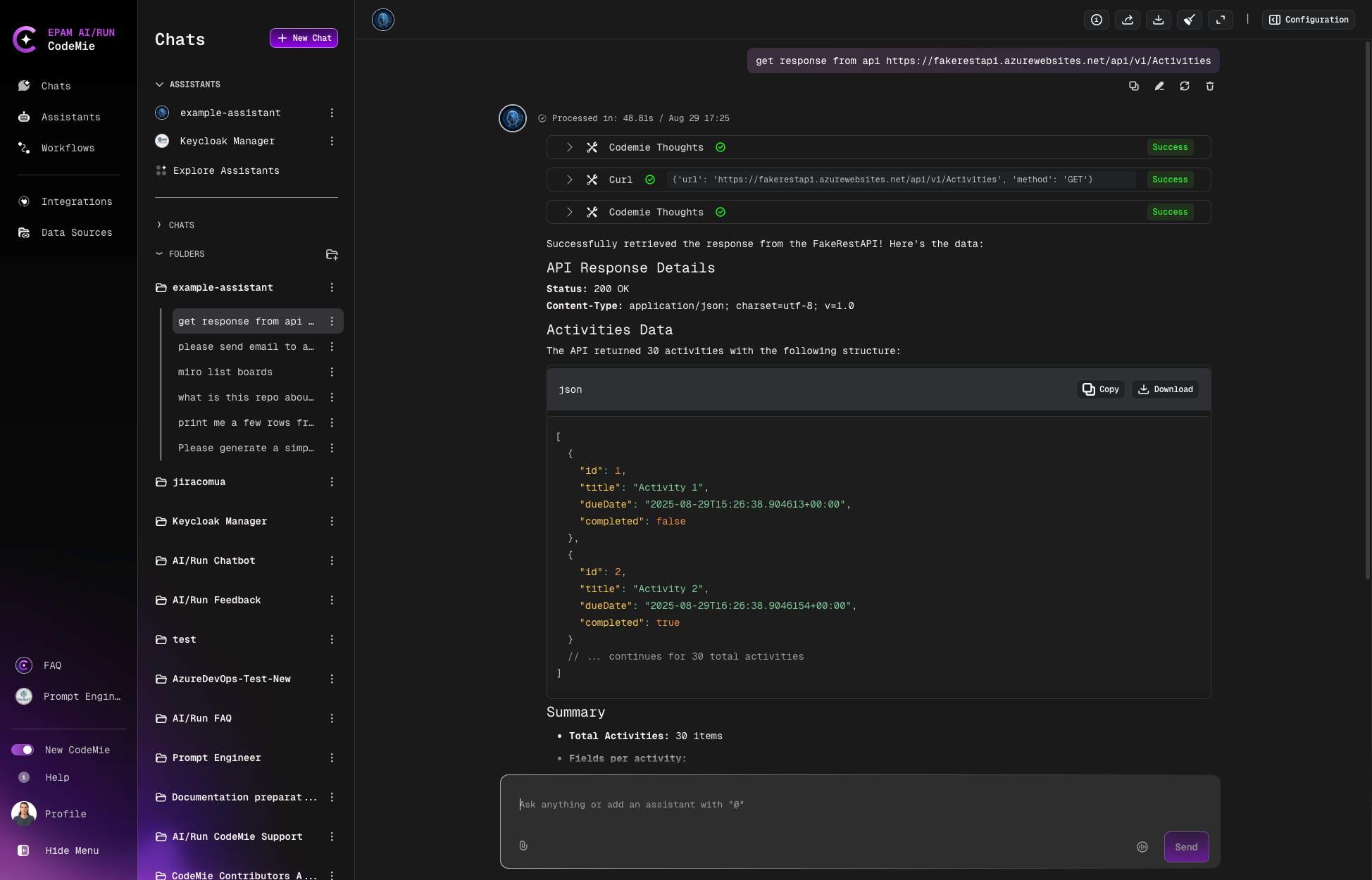
3. Usage Example
Example of request and answer: