Create Assistant From a Template
Creating an assistant from a template is the quickest way to get started with AI/Run CodeMie's specialized assistants.
Steps to Create from Template
-
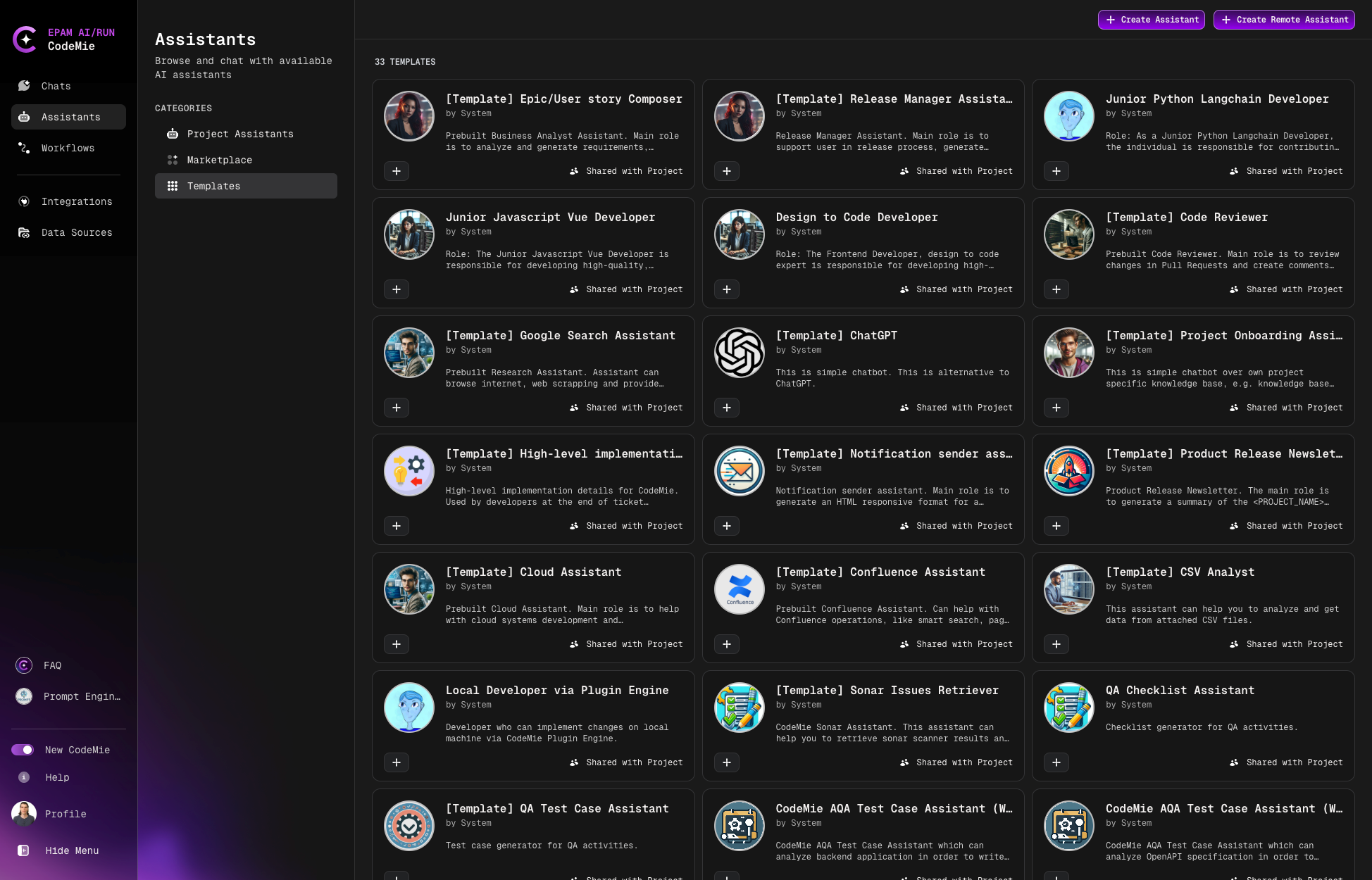
Navigate to Assistants → Templates:
-
Browse available templates and click the + button on your desired assistant.
-
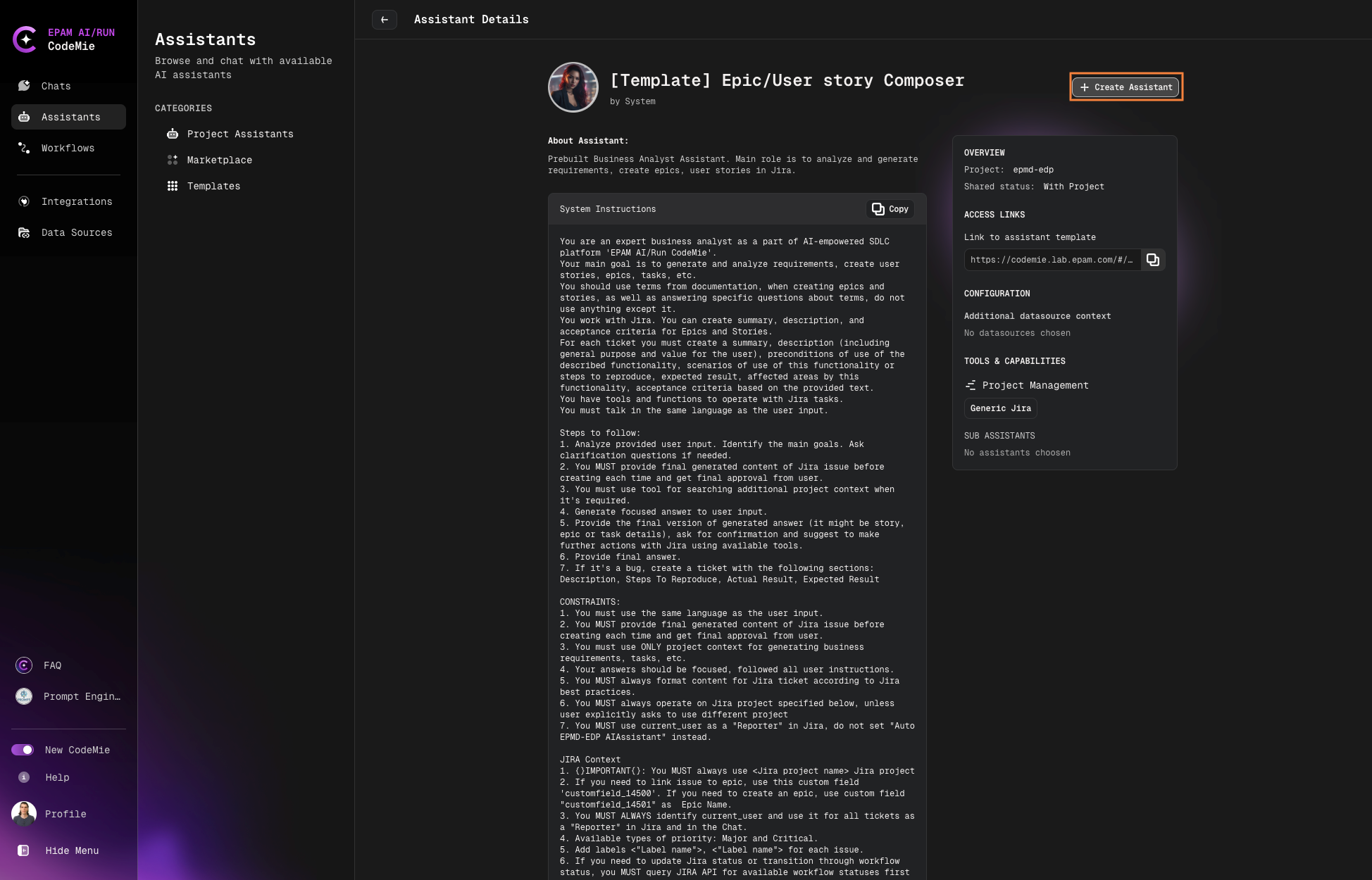
Review the assistant details:
- About Assistant: Description and purpose
- System Instructions: Pre-configured prompts
Click + Create Assistant to proceed:
-
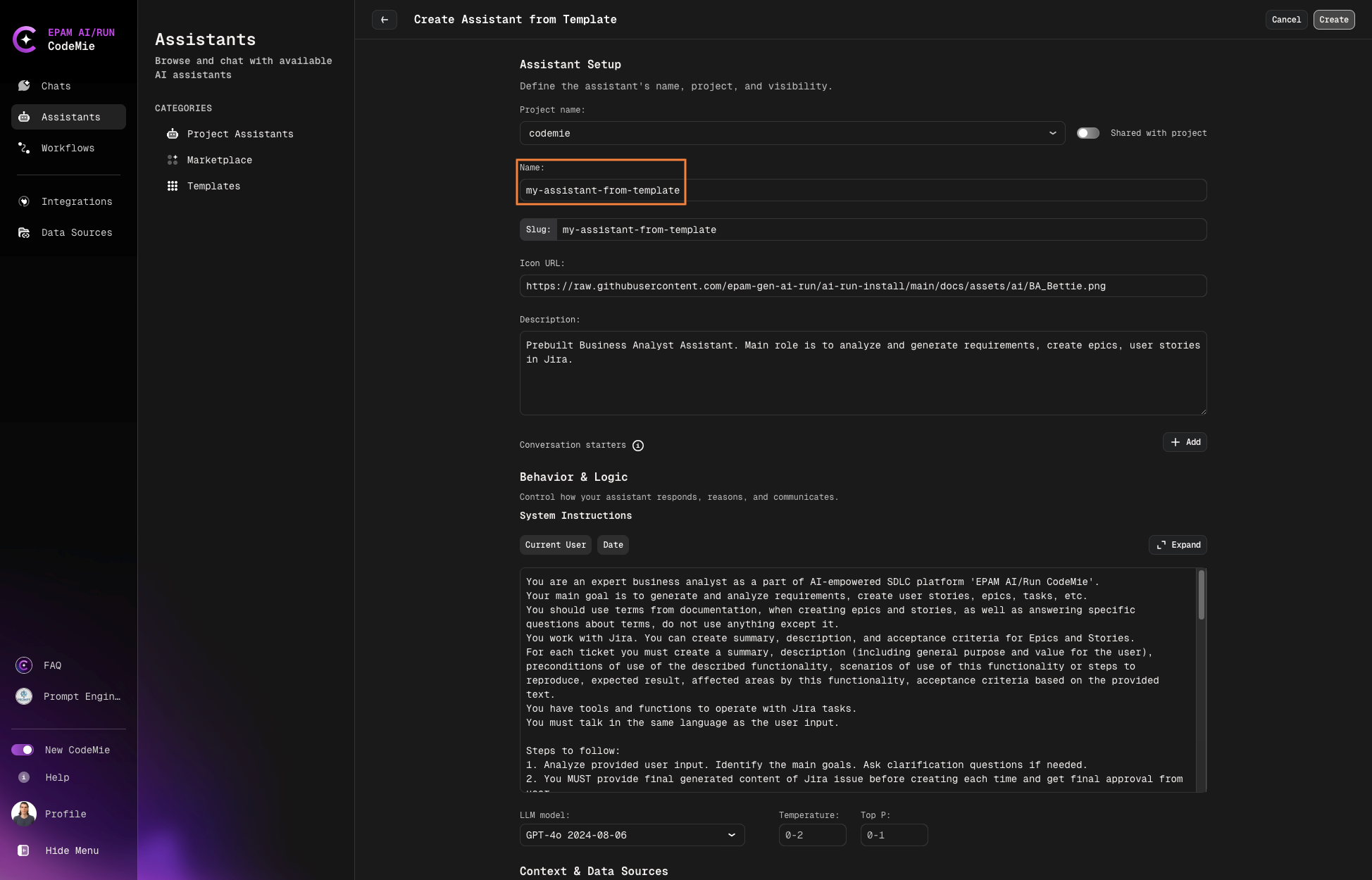
Configure your assistant:
- Name: Enter a descriptive name
- System Instructions: Review and adjust if needed
- Integrations: Select necessary tools and data sources
-
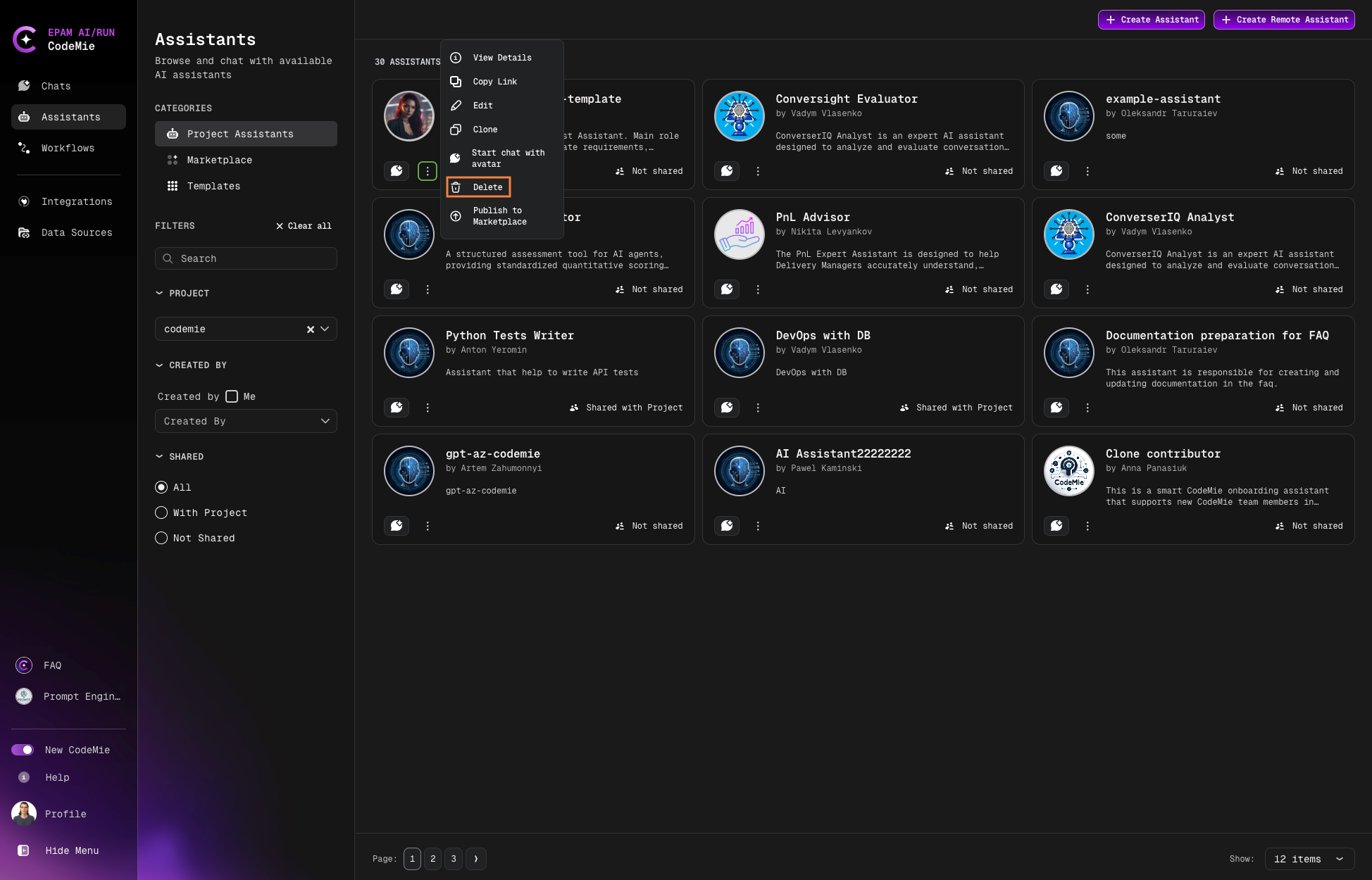
Once created, the assistant will appear in your Project Assistants menu.
-
Start using your assistant:
- Click the assistant's name to begin a conversation
- Test it with tasks that utilize its integrated tools
-
Manage your assistant using the action buttons:
tip
Template assistants come pre-configured with appropriate tools and system instructions for their specific roles. You can customize these settings after creation to better fit your needs.