Delete Assistants and Chats
Keep your workspace organized by removing unused assistants and chat conversations. This improves navigation and reduces clutter.
Delete an Assistant
-
Navigate to Assistants → Project Assistants.
-
Click the Actions button (⋮) next to the assistant and select Delete:

-
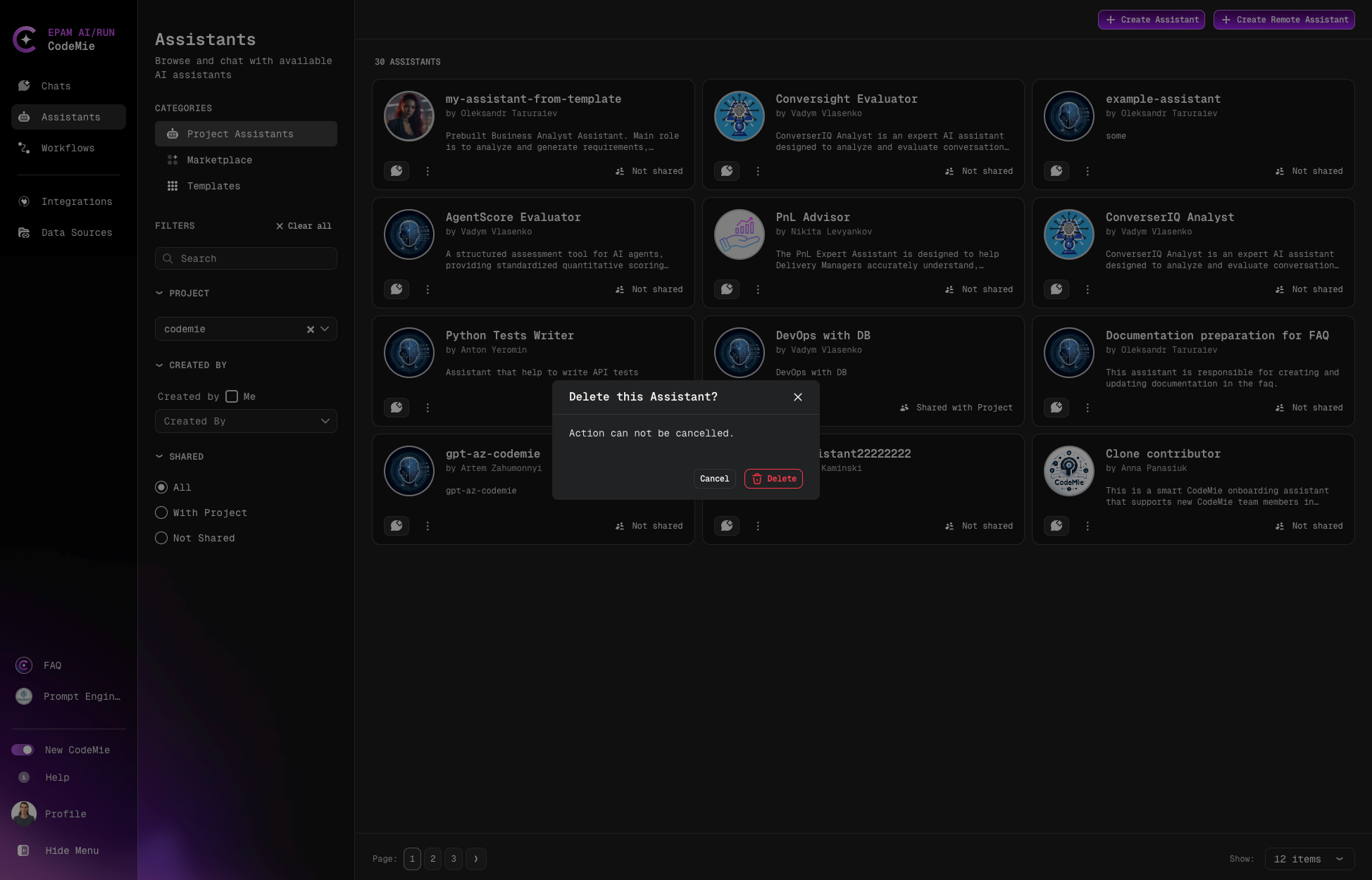
Confirm the deletion:
Chat Impact
When you delete an assistant, existing chats with that assistant will no longer function. You must delete the chats manually.
Delete a Chat
-
Click the Chats icon in the navigation.
-
Select the conversation you want to delete.
-
Click the settings button (⋮) and select Delete:

-
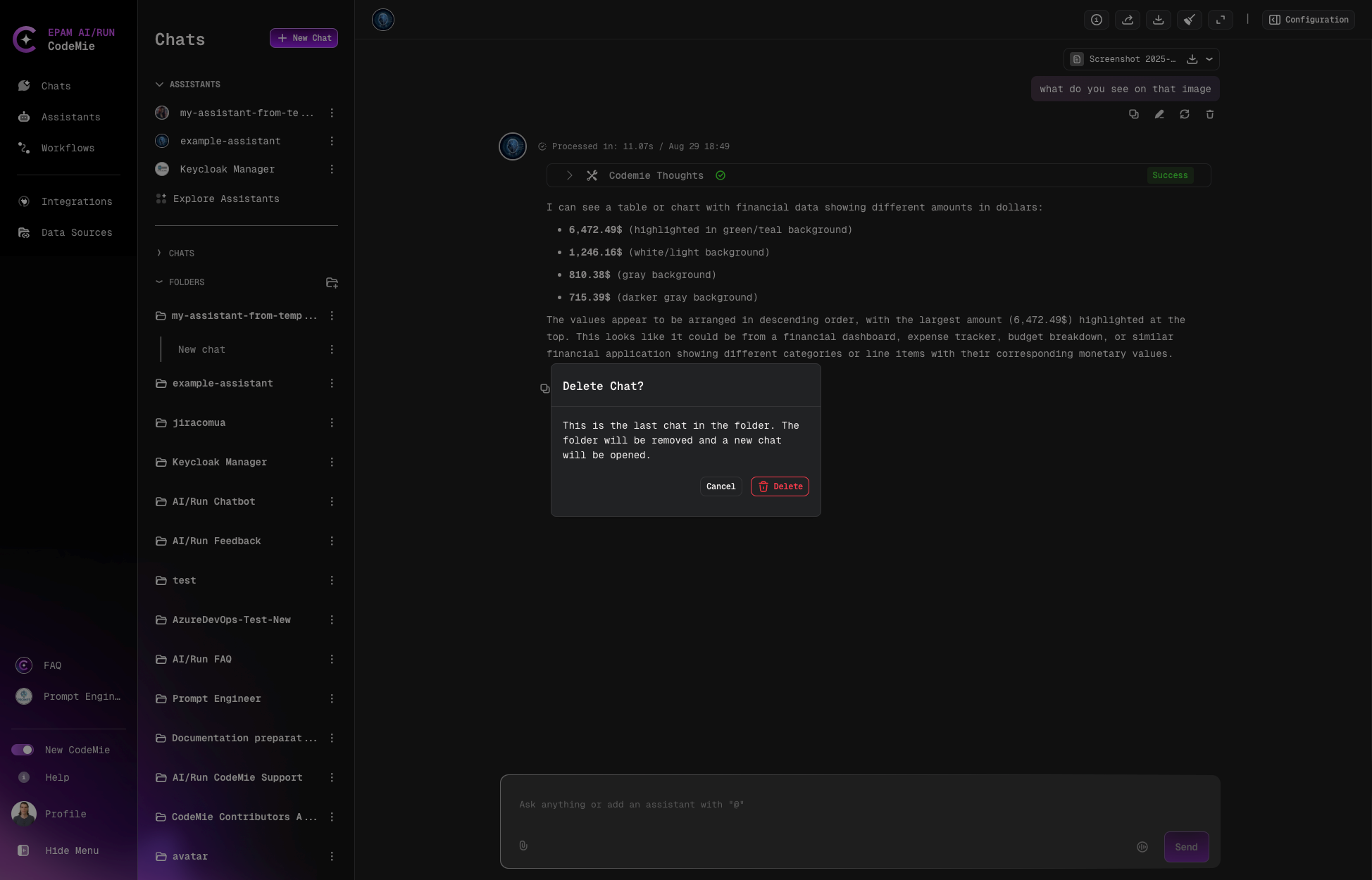
Confirm the chat deletion:
Bulk Cleanup
Consider regularly reviewing and removing unused assistants and chats to maintain a clean workspace.