Share Assistants
Finely tuned assistants are valuable resources that can benefit your entire team. AI/Run CodeMie provides flexible options for sharing assistants within projects and across your organization.
Share Within Project
Share an assistant with your project team using the built-in toggle:
-
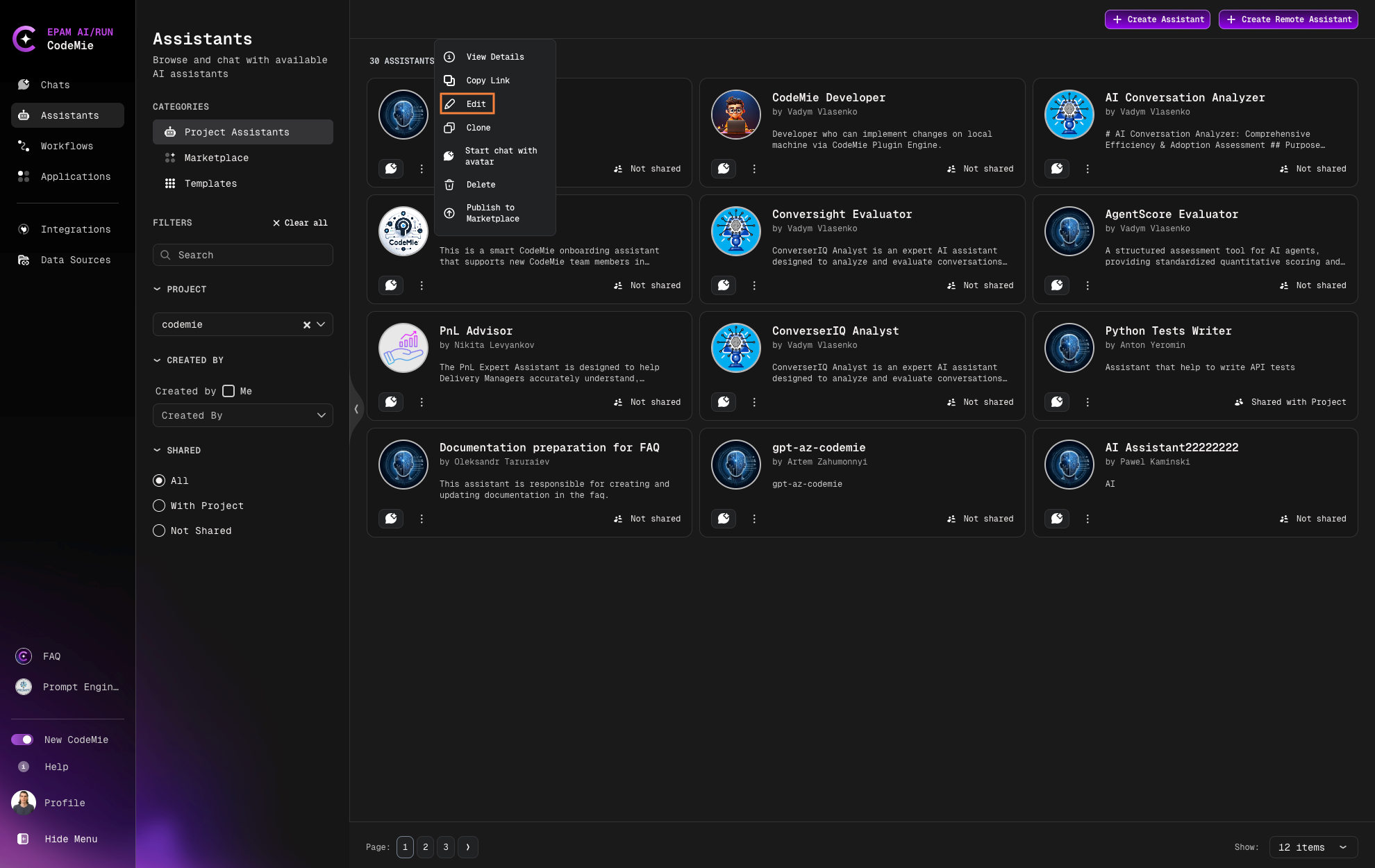
Navigate to Assistants → Project Assistants.
-
Click the Actions button (⋮) next to the assistant and select Edit:
-
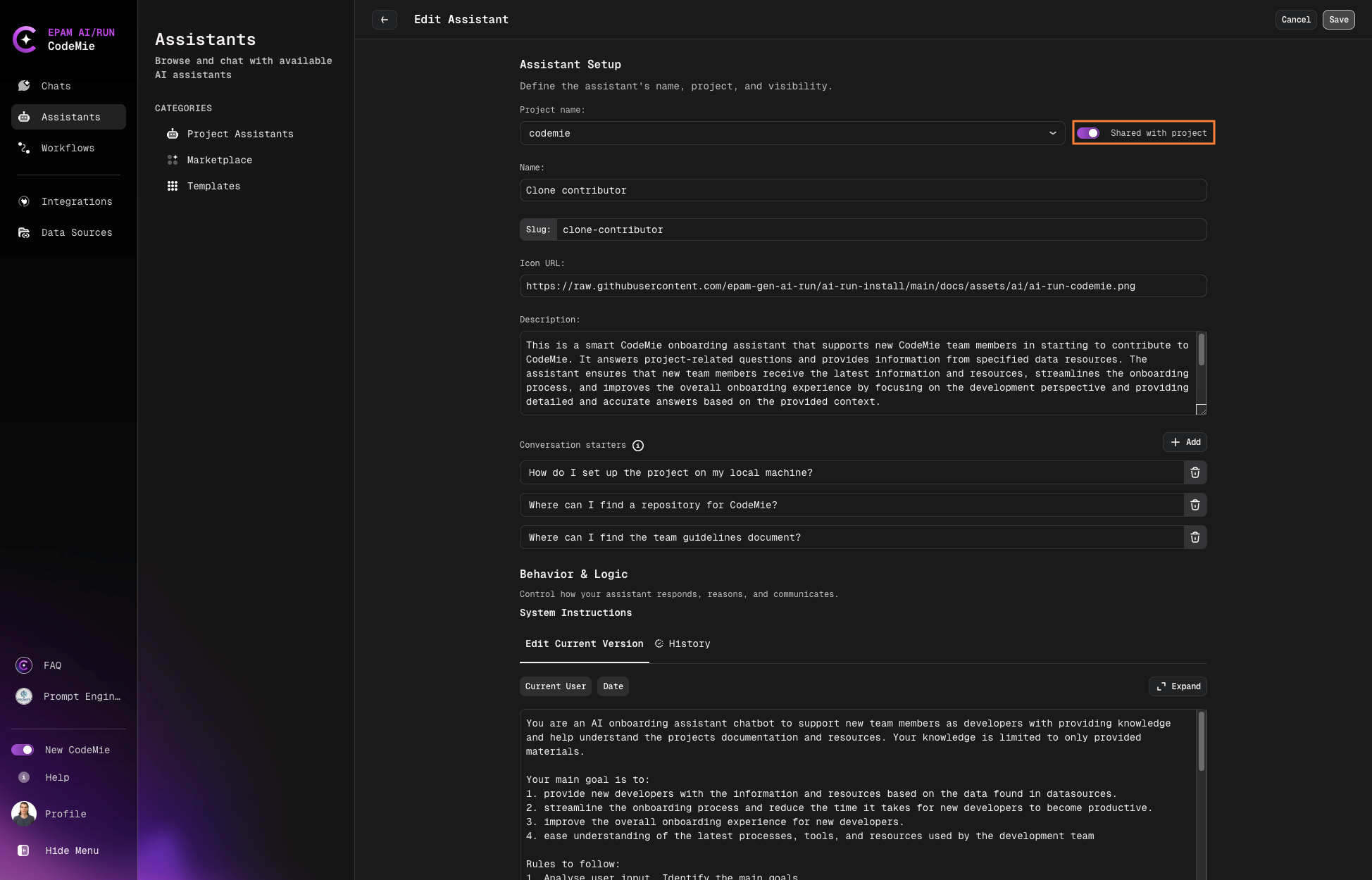
Enable the Shared with Project Team option:
-
Scroll down and click Save.
Team Access
When shared with the project team, all team members can view and use the assistant in their chats while the original configuration remains under your control.
Share Beyond Projects
For sharing assistants across projects or with external collaborators, consider using the Marketplace to publish your assistant configuration.