Share Chat Conversations
Share assistant conversations with team members to collaborate on solutions, distribute insights, or provide reference material.
Share a Chat
-
Open the chat you want to share.
-
Click the Share Chat button:

-
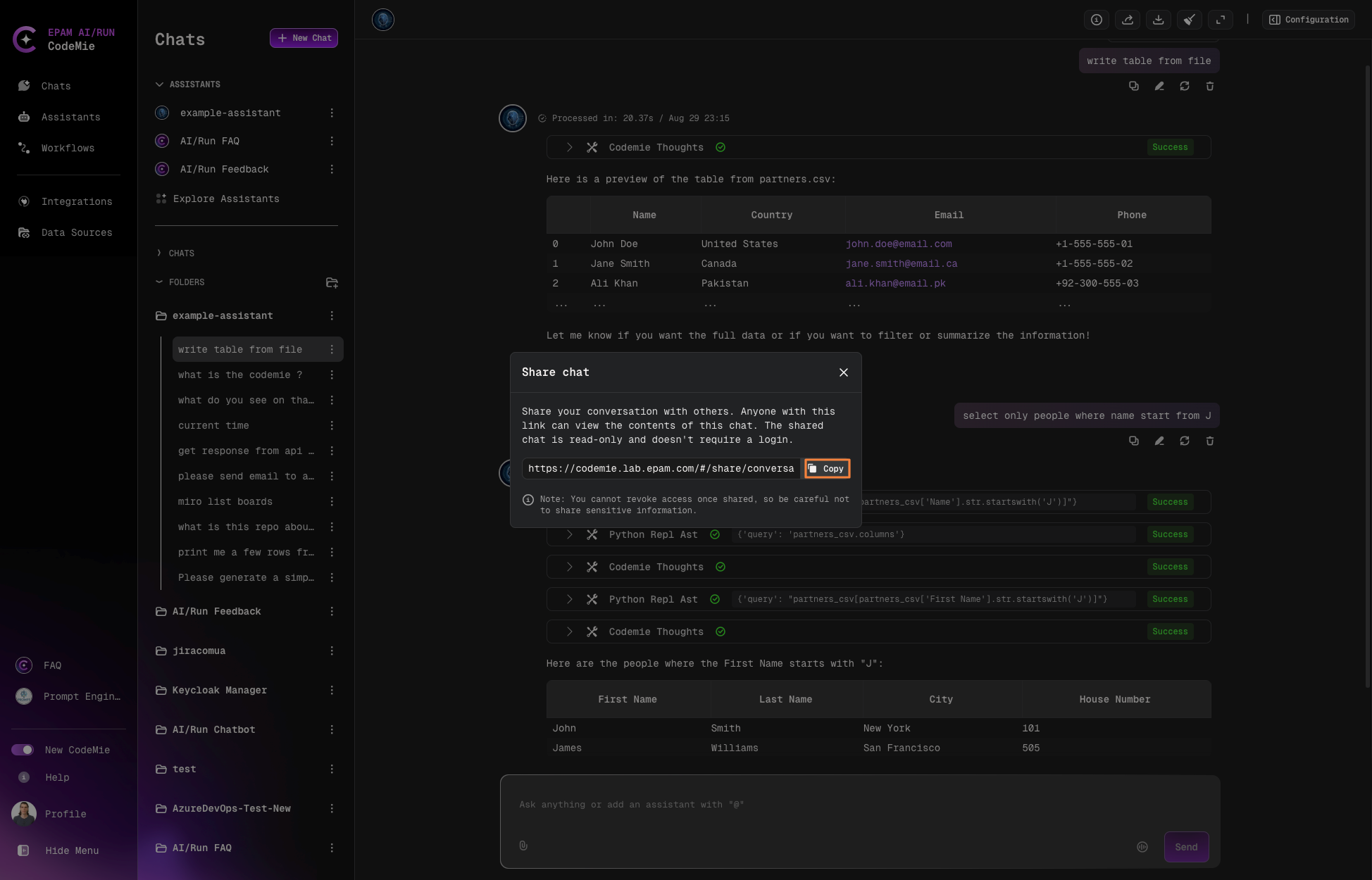
Copy the generated link:
-
Share the link with recipients.
Read-Only Access
Recipients who open the shared link can:
- View the entire conversation history
- Read all messages and responses
- See uploaded files and attachments
Recipients cannot:
- Add new messages
- Modify existing content
- Delete the conversation
Owner Control
As the chat creator, you retain full control. You can edit or delete the chat at any time through the context menu (⋮), even after sharing.
Manage Shared Chats
| Action | Process | Impact |
|---|---|---|
| Edit | Click context menu (⋮) → Edit | Changes visible to all link holders |
| Delete | Click context menu (⋮) → Delete | Removes access for everyone |
| Expiration | None - links don't expire automatically | Access persists until you delete the chat |
Use Cases
- Team Collaboration: Share problem-solving approaches and solutions
- Code Distribution: Distribute AI-generated code snippets to developers
- Research Sharing: Share analysis and findings with stakeholders
- Documentation: Create reference material for documentation or training
- Demonstrations: Show assistant capabilities to new team members
- Knowledge Transfer: Preserve and share successful interaction patterns
Security Consideration
Shared links provide read-only access to anyone who has the link. Only share conversations that don't contain sensitive information, or ensure the link is distributed through secure channels.