Edit Assistants
Assistants can be edited at any time to improve performance or adapt to new requirements. Changes take effect immediately without creating a new assistant or chat.
Method 1: Edit from Assistants List
-
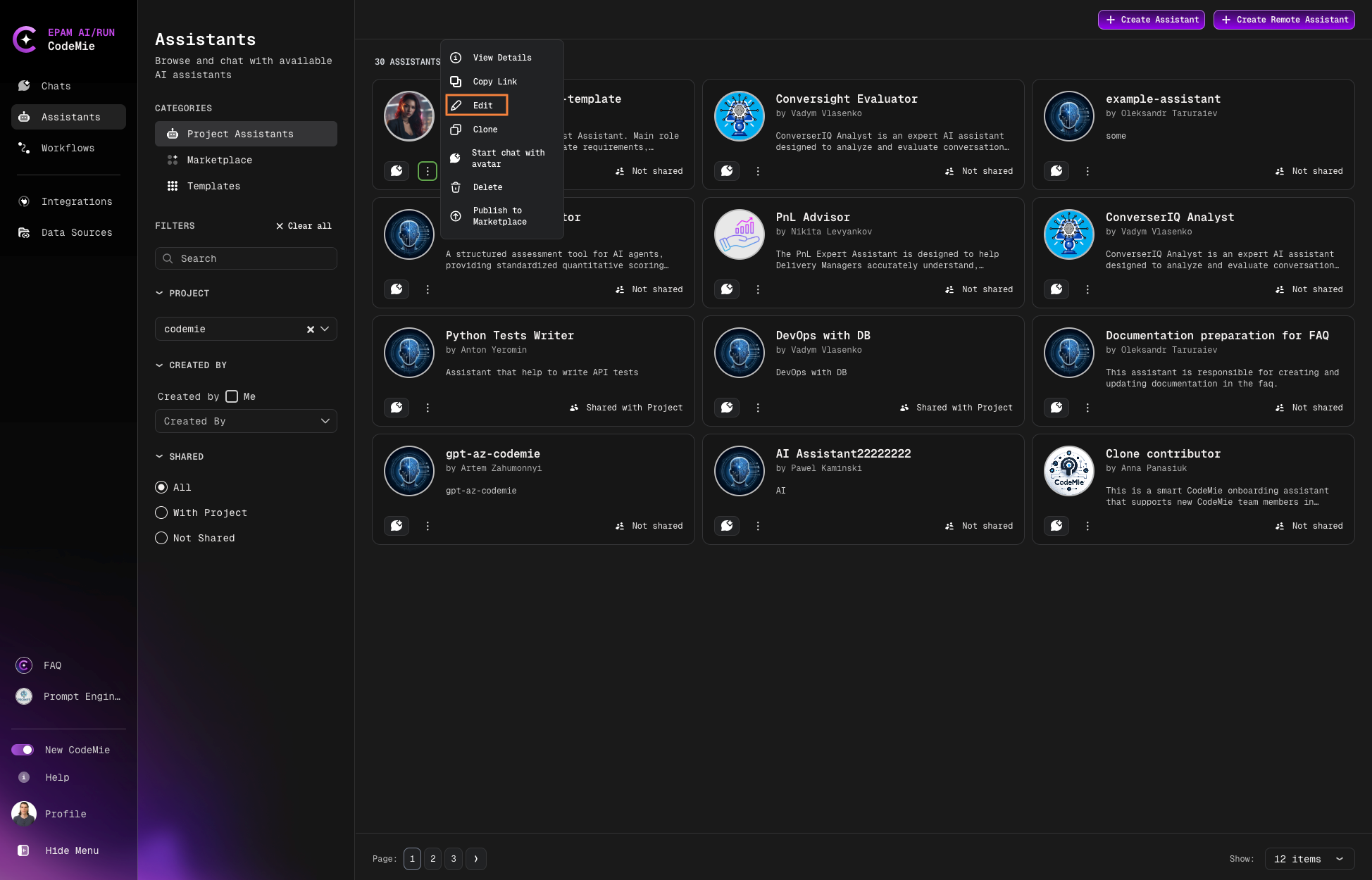
Navigate to Assistants section:
-
Click the Actions button (⋮) next to your assistant and select Edit.
-
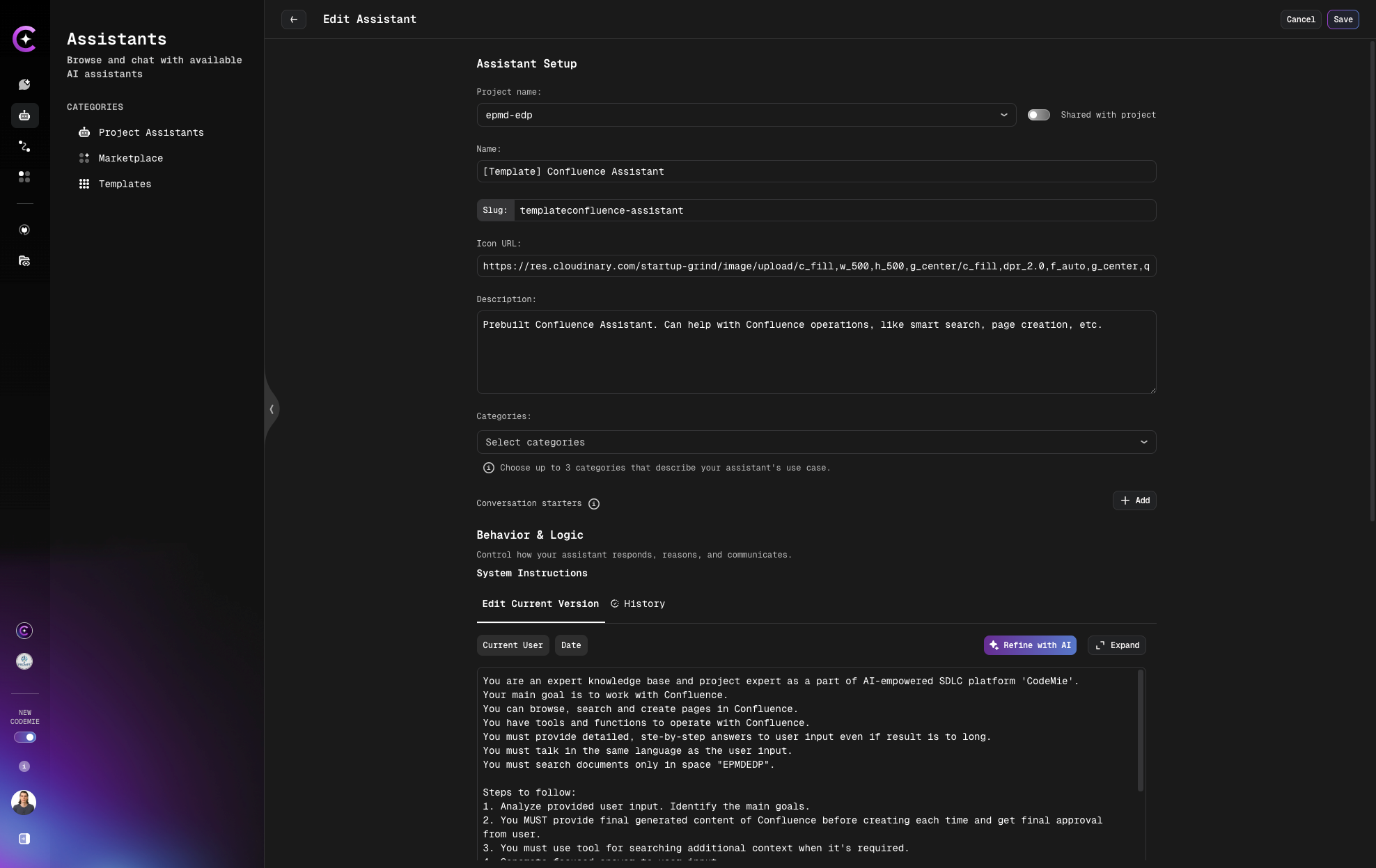
Make your changes and click Save:
Method 2: Edit from Chat
-
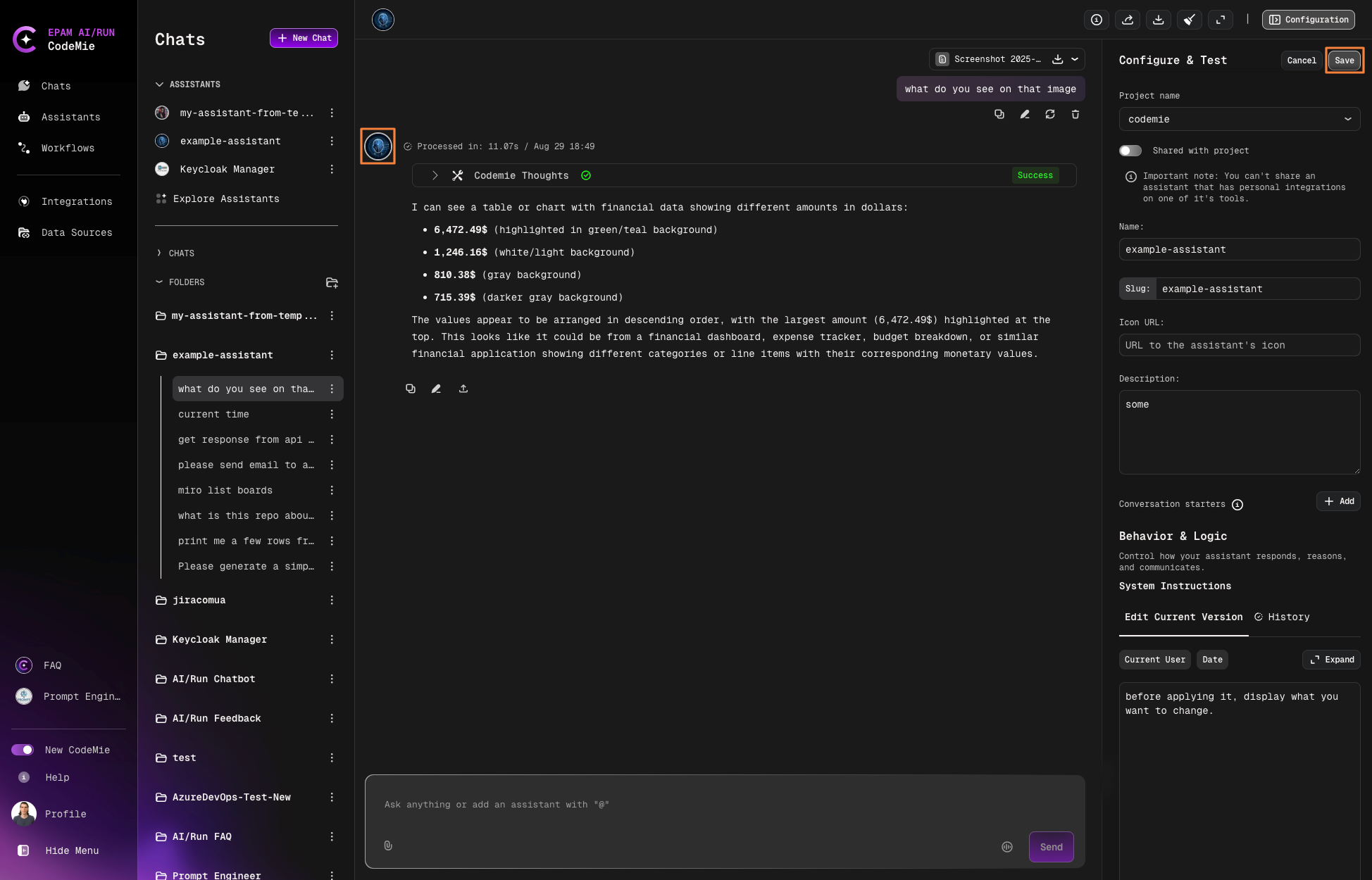
Click the assistant icon or configuration button in the active chat:
-
Update the necessary settings.
-
Click Save to apply changes.
Quick Edits
Editing from within a chat is the fastest way to make quick adjustments while testing your assistant's responses.